Showing posts with label IPads. Show all posts

Wednesday, 16 September 2015

Dot Day

Students were greeted on September 15th in the morning with a display to let them know that it was International Dot Day!


Last year it was also celebrated in my class and here is a link to that blog post.


The app we used last year called Colar has renamed itself Quivervision and it seems they are pursuing some education uses of the app such as the study of cells.  We had fun colouring our dots and then bringing them to life with the IPads.  The students are eager to show their families how it looks in person at our Open House on Thursday, September 15 from 5:00 to 7:00.
Other Dot Day projects included making patterns with Bingo Dabbers and creating pictures using 6 dot stickers.  We celebrated creativity - it all starts with a dot!

Friday, 31 October 2014

Happy Halloween!

It certainly makes Elementary teachers (and parents) happy when Halloween falls on a Friday!  The day can be a fun break from the ordinary and we don't have to come to school tomorrow with everyone tired or on a sugar high!  On October 31, the Grade 2-3's rotated through 5 stations to practice skills in a fun Halloween theme way.
Miss Martin, our Grade 11 student assistant, led the group in a game of Halloween word Bingo. The bingo "chips" were spider rings and other spooky things.

Mrs. Perreault led her group in some Math games using spooky dice.  In one game, called Spider, the object was to get the number 8 by adding and subtracting after rolling the dice.

I led a problem solving station where students read the clues on the Smartboard to decide how many ghosts and how many pumpkins were in their haunted house.  The picture below is the solution using bean counters for the following problem:
The number of pumpkins in your house is double three. 
 The ghosts and pumpkins in your house add up to 10 altogether.

 The IPads were used at the next station.  There were QR Codes that students could scan with the Ipad that would take them to Halloween books on videos on YouTube.

Another choice when at the IPads was to use the Cookie Doodle App to create a Halloween themed cookie.  Students could even eat the cookie, virtually of course!


 Another creating station was where students could make a card for someone to wish them a Happy Halloween. 


The day ended with treats and a party as well as visiting the haunted houses set up by Grades 7 - 12.  What a fun and memorable day at Reston School! 


Thursday, 16 October 2014

Dinosaurs


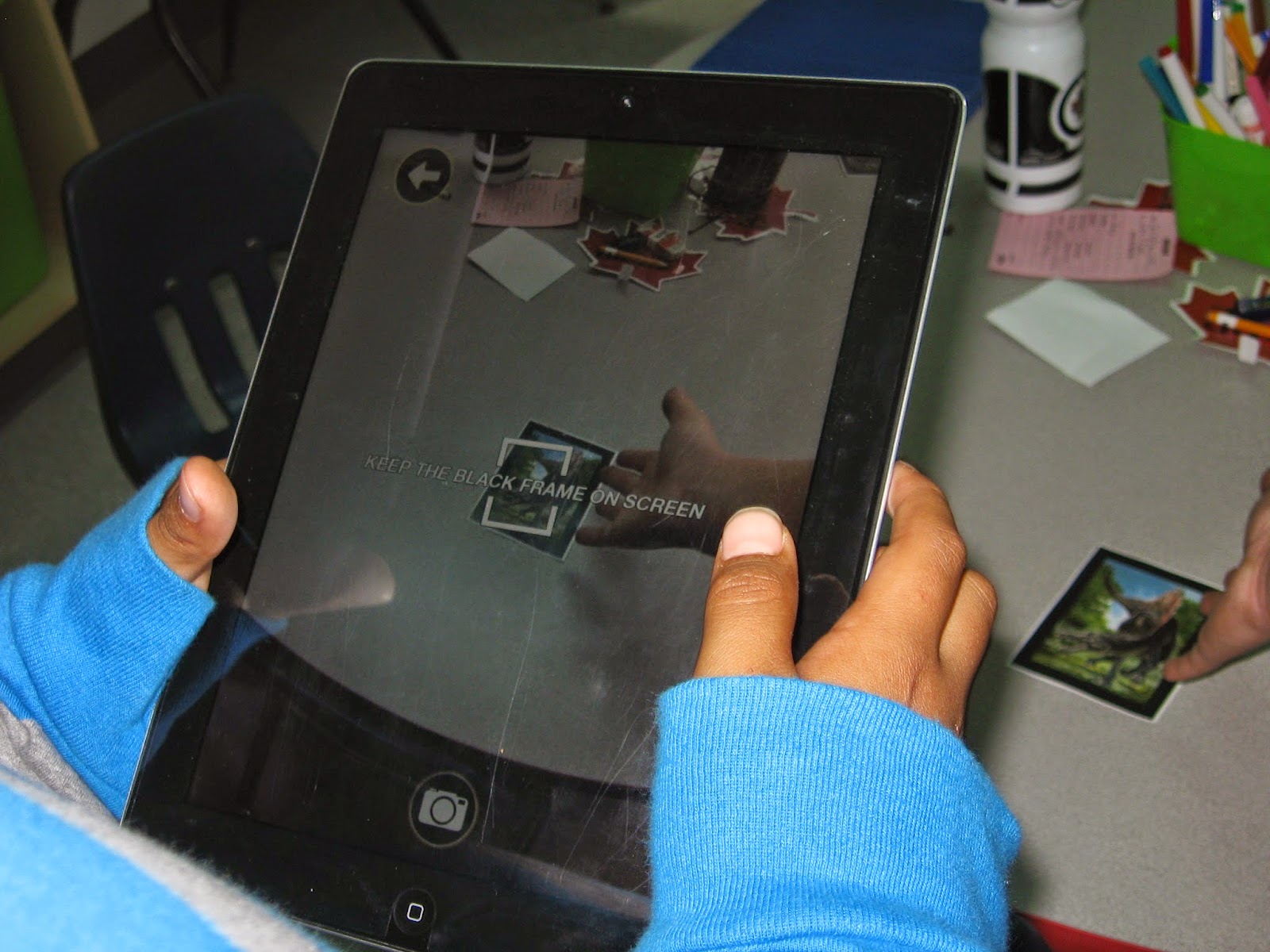
Parents of Grade 2-3 class, did you hear about dinosaurs coming to life in our classroom last week?  These photos don't come close to showing the IPad app we used to bring the pictures that you can see on the table to life!  It is another example of Augmented Reality, like in our Dot Day activity. 

Our theme topic for the next few weeks will be dinosaurs and this was a great way to get everyone excited and Ready to Learn!  Our Literacy Time will focus on reading, writing and researching about these prehistoric creatures.  The content or knowing how to say the names or facts about them is not my goal here but many skills including using phonetic clues to sound out the names and reading fact books have a purpose when there is a topic a child is interested in learning more about.
I believe when children see a purpose for reading and writing, they are much more motivated to work at their level and break through to the next one!

Monday, 15 September 2014

Dot Day and Augmented Reality!


On September 15, we took part in an international celebration of Dot Day!  We started on last Friday with colouring the dots in our own creative way with markers and Ms. Simms gave us a few hints about something that was going to amaze us on Monday.  We tried to guess what it might be:
  • the room might be all covered with dots
  • with Ipads maybe we can take a picture of the dots
  • maybe we will watch a movie about dots
  • maybe it will be stop motion animation with dots
  • maybe ????


Then she read us the book The Dot by Peter Reynolds.  You can see it on the YouTube Video below.


What came next was truly amazing!  We used our IPads and an app called Colar to make the dots we drew come alive!  It is a form of Augmented Reality and the video below shows what it looked like.

Wednesday, 19 March 2014

Haiku Deck

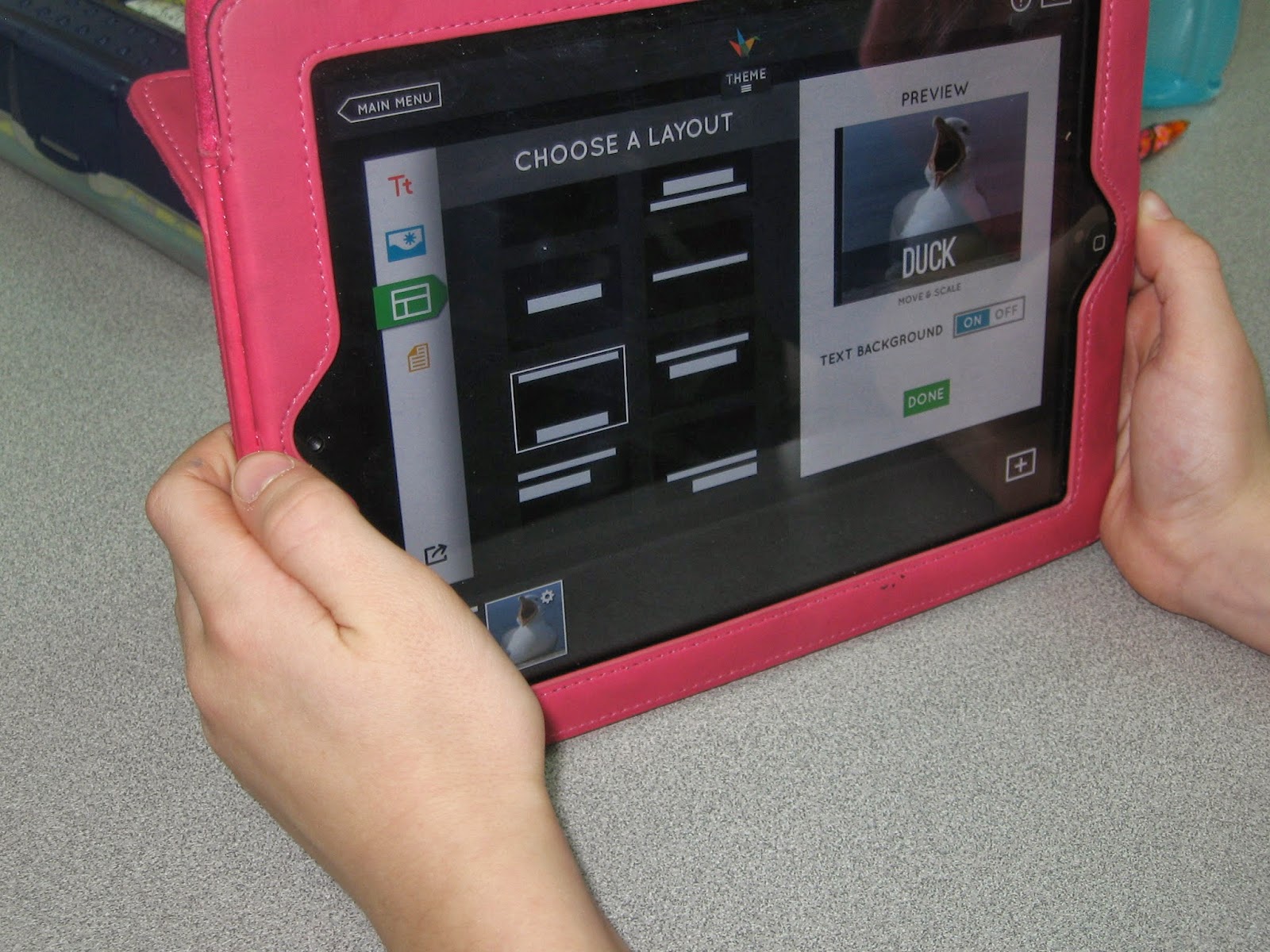
We have begun using an app on our IPads called Haiku Deck.  It is a little like Max Show that we have been using for a while in our class.  Some people also use Power Point to show information in slides after they have done some research.  Here is a Haiku Deck that someone made and shared about how to be a good kid!


We like Haiku Deck because it is quick and easy to make slides. Here is a Snapguide for how to use it.

When you enter the text, the program automatically searches Creative Commons for free images that go with your word.  You can't add music or voice and are limited to 2 lines of text so the words you choose have to explain your topic very well.

Haiku Deck is also available online here.  The thing we like about the IPad version is that the projects are saved automatically.  No more forgetting to save your work!

Sunday, 2 March 2014

Cursive Writing

 
Right after Christmas Break we began the "Cursive Club" in Grade 2 and 3.   The 4 Grade Twos from Ms. Wright's classroom joined our class every day in January and February for 30 minute lessons and practice on formation of the cursive letters. 
The first step was the lower case letters,  then the capitals and last was connecting the letters together.  Now that we have finished that, the students use their cursive skills as much as they can in our everyday work. It is a balancing act however!
The pictures above are writing in T.W.A.S. (This Week At School) Journals that they write in every Friday.  Students choose a couple of highlights of their week to describe in detail and take it home to share with their families.  Using cursive means our entries may be much shorter than they were previously in printing.  As adults, we forget how much effort composing, spelling, and mechanics of writing can be for children and adding a whole new way to write and connect the letters is more difficult still.  It will take practice to get the entries as long as they were given the same time to work in.  Some of the details will have to come from conversations rather than being able to read them in their T.W.A.S.!
We know that students will choose their own style of penmanship and that may not be cursive for a majority of them. I believe that being able to read cursive script is an important literacy skill and that is why it is worth the time it takes in Grade 2 and 3.  It is faster than printing with practice and it does help the kids who have trouble keeping b and d straight because they are not reversals of each other in cursive.
  There is much debate in the educational community and in general about the teaching of cursive.  Here is a post from The Current on CBC Radio.  CTV News had a story on cursive last year as well.

 Here is a very thorough document from Prince Edward Island Education all about the teaching of printing and cursive.  


I think giving lots of room to write and not expecting many words on a line is key at the beginning.  Letting them trace over their pencil work with a Sharpie marker makes it stand out and look more impressive too.  Encouraging them to write their own words as well as copying models are both valuable.  We have apps on our IPads that make practicing handwriting fun.


The all time favourite way for my class to practice cursive is in shaving cream on the tables!  Who wouldn't love to do that?  We'd love to hear your comments about cursive.


Literacy Center Ticket #3


We are continuing to practice our Reading and Writing every day in Literacy Stations.  The ticket in the photo above lets us keep track of the center we have finished and where we are working next.  Most days, we are able to do 3 Literacy Stations during our ELA time. 

 
On the laptops, we use Max Write or Max Show to write about a topic that interests us. We save the writing on memory sticks and can continue it next time we visit that station or start a new one.
 
We use a website called Wordle to type a list of words on any topic we choose. Then we click Randomize to have the program pick a font and style for the words. If you type the same word more than once, Wordle knows to make its size bigger. We can work on spelling and keyboarding skills at this station.
Grade 2 and 3's need to learn to write full sentences.  Our student teacher, Miss Caldwell, works with us at one of two Sentence Building Games.   


Ms. Simms went to a technology night in Brandon where she found out  about the Trailer feature on IMovie.  It is neat because the main work is done to create a movie.  We will take photos and videos with the IPad and then make them into a movie.  Stay tuned to our blog for the finished products!

 
We have Fill in Posters called All About Me and When I Grow Up. Our class was having some trouble with journals because many of us can't seem to find a topic to write about. Ms Simms hopes these posters will help with that problem.
.  
 
Reading to Yourself and Buddy Reading are stations on this ticket too. They are both important.  Many of us are ready to move onto reading chapter books now and choosing a book that interests us at our reading level is crucial.  Ms. Simms is working with students one at a time on this while everyone is busy at centers.
We hope you liked hearing about our Literacy Centers!  Which do you think you would like the best?  Tell us in the comments!

Monday, 27 January 2014

Beaver Tales


January 21 was our annual visit from the Oak Hammock Marsh instructors.  The West Souris River Conservation District sponsors this educational road show every year.  Our topic this year was Beavers.  Andrew did a great job of telling us about wetlands first.  Did you know that marsh, bog, swamp, and fen are all types of marshes?


Nairn volunteered to help us learn and remember the special body parts of a beaver by wearing 2 coats, goggles, nose plug, flippers, a tail, ears and carried an axe. 
Andrew showed us a beaver skull and the most amazing thing was the orangy coloured teeth! He told us that beavers need to keep gnawing because their teeth are always growing!  If they didn't, they would die!  He talked about beaver lodges and beaver dams too.


We were able to touch a beaver skin and later we also felt a muskrat one which was smaller and softer.  They have 2 kinds of fur.  The fuzzy one by the skin keeps the animal warm and the longer hairs help keep them dry.  We learned how trappers almost made beavers extinct in the early days of Canada, before they understood about conservation.

We saw wood chips and could see the tooth marks of the beavers on them.

Ms Simms kept notes on the IPad during the session and we made writing webs of ideas on paper as soon as it was finished.  Later in the day we made the ideas and details into sentences in our journals.  We glued a picture of Nairn dressed up in the journal too.  We though it was a good idea to dress him up because it helped us to remember special body parts of a beaver.

Wednesday, 22 January 2014

Literacy Center Tickets

When we work on reading and writing in Grade Two and Three, usually we are not all working on the same thing.  We have small groups so the teachers can work with a few kids at a time at their own level.  We did Daily Five for a couple of months in ELA time and also some Literacy Rotations or Stations.  Now we have tickets where we keep track of which center we have been to and which ones we have left to visit.  Everyone has favourites but we know it is important to visit all the centres to practice the skills we need.

Here is our first ticket:

Puppet Pals is an exciting app on our IPads.  Would you like us to blog about it someday?